
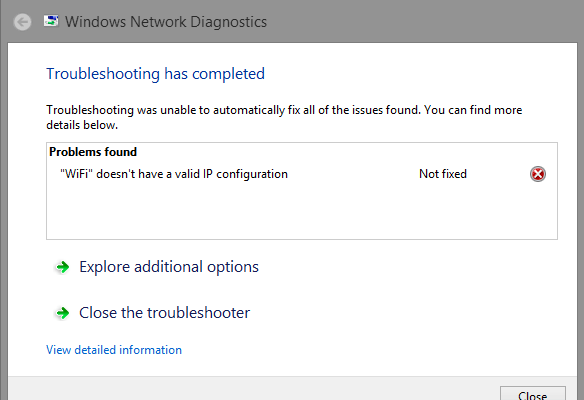
Recently, some users have had issues with computers with the latest update to Windows 10 in relation to Wifi connections. One of the biggest issues that has become a head-scratcher is the issue when WiFi either loses connection with the Internet or cannot find a proper connection even if everything is put in correctly. Troubleshooting can only do so much, but still in many cases, it doesn’t provide a proper solution to this problem.
So far, one of fixes I’ve found that has help maintain the connection is resetting the IP configuration using the command prompt. Here’s how to do that:
Step 1 – Use the search bar to find Command Prompt.
Step 2 – In Command Prompt, type in ipconfig/release
Step 3 – Then type in ipconfig/renew
This process will refresh the connection with the IP address and should be able to fully access the Internet with the network of choice.
An alternate method that may work for some could be to disconnect Wifi on your computer and then re-connect it again. This method has worked for some users. Another one would be to temporarily unplug the modem and plug it back in again. For the more advanced users, manually entering in a new IP address could also be another method in re-establishing a connection to the Internet.
 flukadamus